On This Page
The race for names starts on October 27 at 1:00 p.m. PDT. Upgrade pack owners can create up to three WoW Forever characters before launch and lock in their names through November 3, the day before the servers open. Names are first come, first served, so the first evening of the window is when the most popular pairs disappear.
Below: the start time in your region, who qualifies, how the three-character limit works across rulesets, and how to have the client installed and your names ready before the window opens.
Start Times: October 27 Across Every Region
Every region opens at the same moment, which lands on October 28 in Asia.
| Region | Reservation opens |
|---|---|
| North America | October 27, 13:00 PDT |
| Europe | October 27, 18:00 CET |
| Korea | October 28, 07:00 KST |
| Taiwan | October 28, 07:00 CST |
Reservation closes on November 3, and WoW Forever launches worldwide on November 4 at 3:00 p.m. PST. Local launch times are on the release date page.
Your move: set a reminder a few minutes before your local start, not for the morning after.
Who Can Reserve: Upgrade Pack Owners
Name reservation is a pre-purchase benefit. It comes with the Skyborne Heroic Pack, the Skyborne Epic Pack, and the limited-time Warcraft Forever Collection, and the Collector’s Edition includes it through the Collection. The benefit belongs to the WoW account the pack was bought for, so check that the pack sits on the account you plan to play on.
A subscription alone gets you into Forever on launch day, but not into the reservation window. Compare the packs on the release date page.
Three Characters Across Every Ruleset
You can reserve three characters in total, not three per ruleset. Create two on a PvP ruleset, and you have one left for Normal or Roleplay. The cap applies only during reservation; at launch you create characters as usual.
Forever has no realms, only rulesets, and groups form within one ruleset. That makes the ruleset the first decision, ahead of the name:
- Normal for questing and dungeons without open-world PvP.
- PvP for contested zones where the other faction can attack you.
- Roleplay for players who want to stay in character.
- Roleplay-PvP, confirmed by Blizzard on October 22 for launch. Blizzard is working to make it selectable from the first day of reservation, so roleplay guilds that want world PvP can claim names there too.
Your move: agree on a ruleset with your guild or friends before October 27, and split your three slots to match.
Install Forever Before the Window Opens
Reservation runs on the WoW Forever client, not the retired beta. Install it ahead of time so the first minutes go to names, not downloads.
- Update your graphics drivers.
- Install the Battle.net desktop app, open it, and let it update.
- Select World of Warcraft in the game list.
- In the Game Version menu above the Play button, choose World of Warcraft: Forever, then Install.
- When reservation opens, select Play, choose your ruleset, and create up to three characters with the names you want.
Choosing Names: Two Parts, One Region
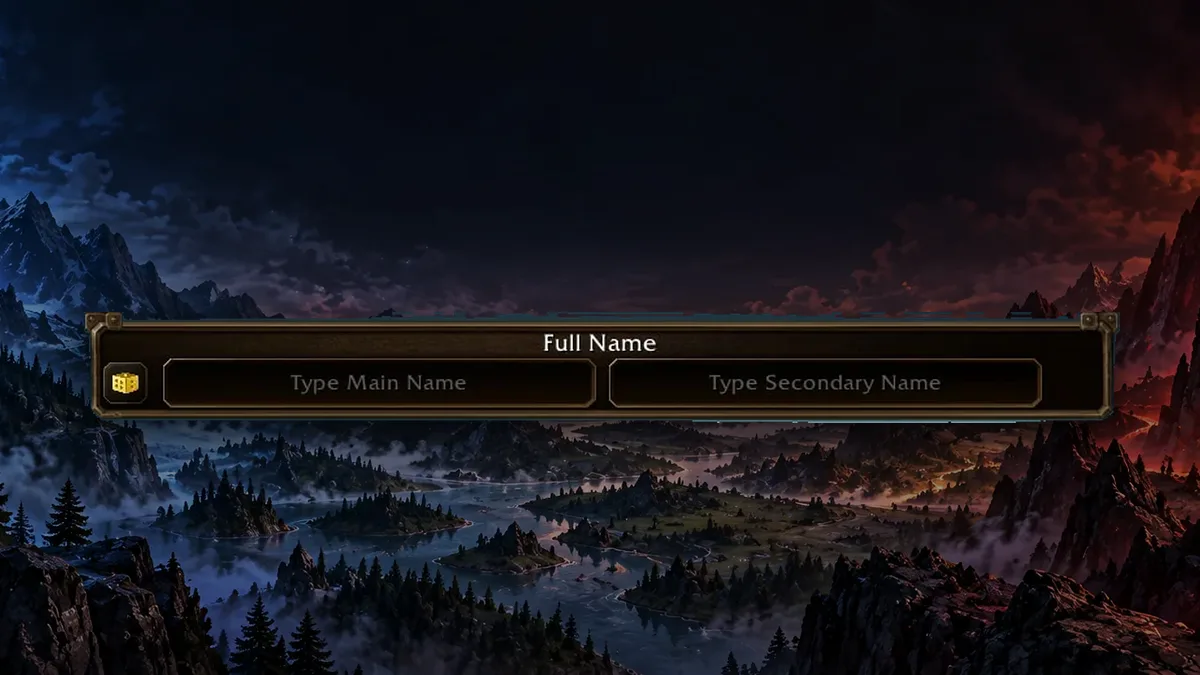
Every Forever character has a main name and a secondary name, and only the full pair has to be unique across your region. A main name that is long gone on Classic servers can still be yours with the right second half. The rules, filters, and nameplate options are in our character names guide.
That pairing gives you room to plan:
- Keep one secondary name across all three characters to mark them as a family or a guild set.
- Prepare two or three backup secondary names for your favorite main name.
- Check every pair against the naming rules first: 2 to 12 letters, one apostrophe at most, and no letter three times in a row.
Your Plan for Reservation Day
- Confirm your pack. Make sure your upgrade pack is on the WoW account you will play. See the pack comparison.
- Install the client by October 26. The download is the slowest step, so finish it before the window opens.
- Pick a ruleset with your group. Your three slots are shared across every ruleset. Compare them on realms and characters.
- Write a name list. Draft main and secondary pairs with the name generator, with backups for the popular ones.
- Log in at your local start. October 27 at 13:00 PDT or 18:00 CET, and October 28 at 07:00 in Korea and Taiwan.
Read the full announcement on Blizzard News